 Hey
How it works
Give your stuff a home. Let your AI manage it. Your AI does the heavy lifting, so every item is digitally tracked and never lost or buried, just the way the big online stores run their warehouses.
Six easy steps.
- 1Set up your account.
Sign in with Google. Your photos are stored in your own Google Drive, so they stay free, private, and under your control. Once you’re in, your 5 free labels are ready.
- 2Connect your favorite assistant.
HeyBotStuff is built to plug right into the assistant you already use. The assistant you know can now organize your real stuff, too.
Watch the video on YouTube - 3Fill a bin and take a photo.
Fill a bin, or find one that’s already full, and snap a photo. A bin can be any spot you store things: a drawer, shelf, box, tote, cabinet, or closet.
Watch the video on YouTube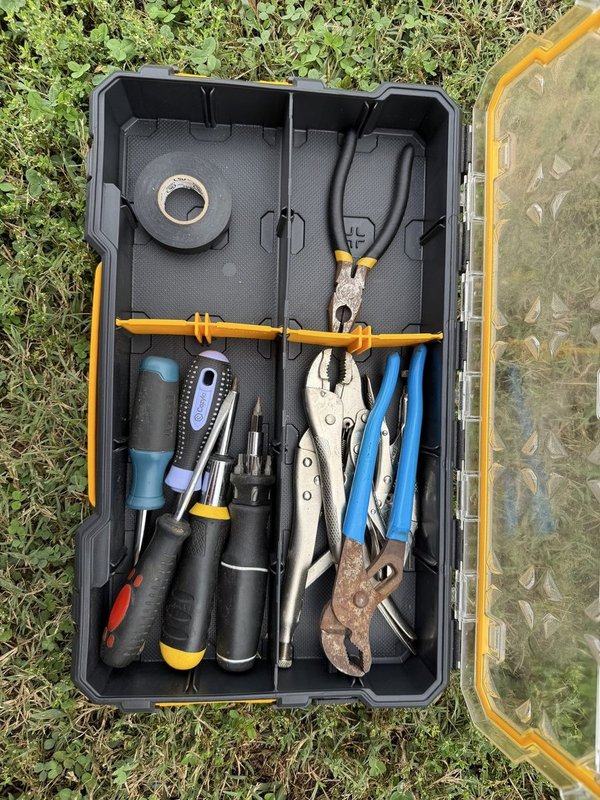
- 4Send to your assistant.
Send the photo to your assistant. Give it a bin number, or ask for the lowest label number that hasn’t been used yet, small or large. It creates the bin with a description. Then it makes the label for you to print.
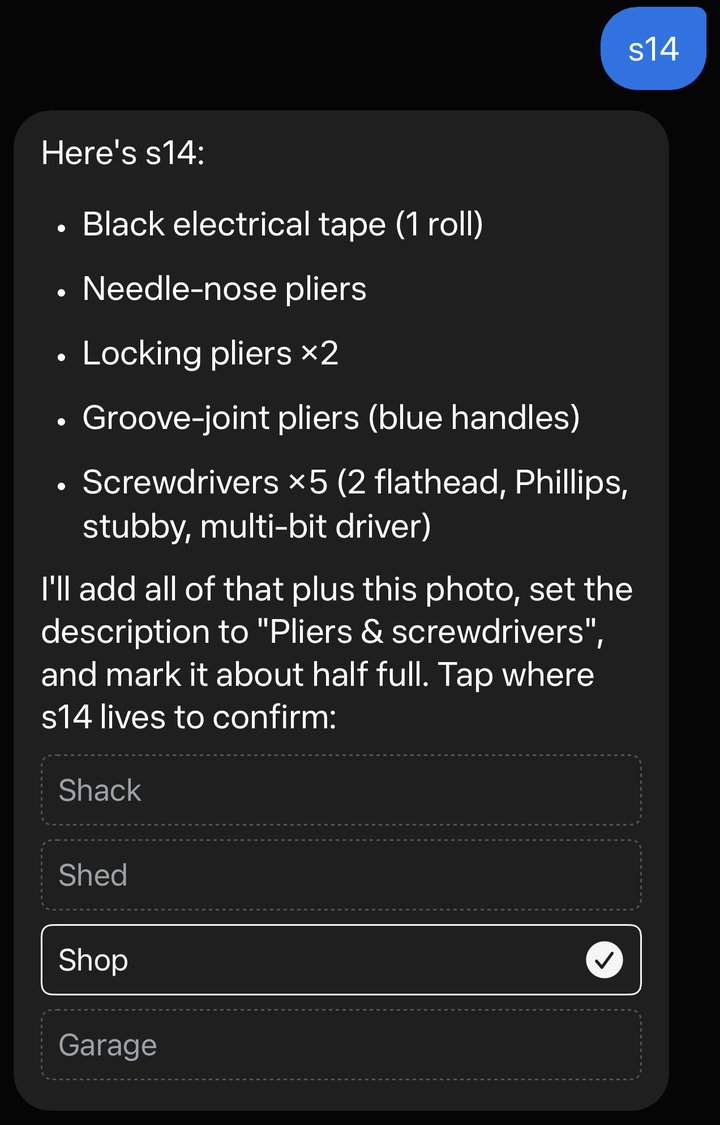
- 5Print it and stick it on.
Print that label and stick it on the bin. You can print as many labels as you want at once. Labels are optional: you can just write the bin’s code, like s1, on the spot by hand, even on a tiny tag you make. It only has to match that bin’s page.
Watch the video on YouTube - 6Hey Bot, where’s my stuff?
“Where are my holiday lights?” “Which bin should these screws go in?” “I’m putting the Halloween decorations in s3.” You can always do everything by hand on the site, but it’s built so your assistant can handle it all for you.